
Tableau Data Source
You can open a table from Indexima into Tableau in a few clicks with the Tableau Data Source file.
Prerequisites
- Tableau Desktop (version 2016 or higher) installed on your computer.
Usage
Download TDS from your table
- Select a table from the Developer Console.
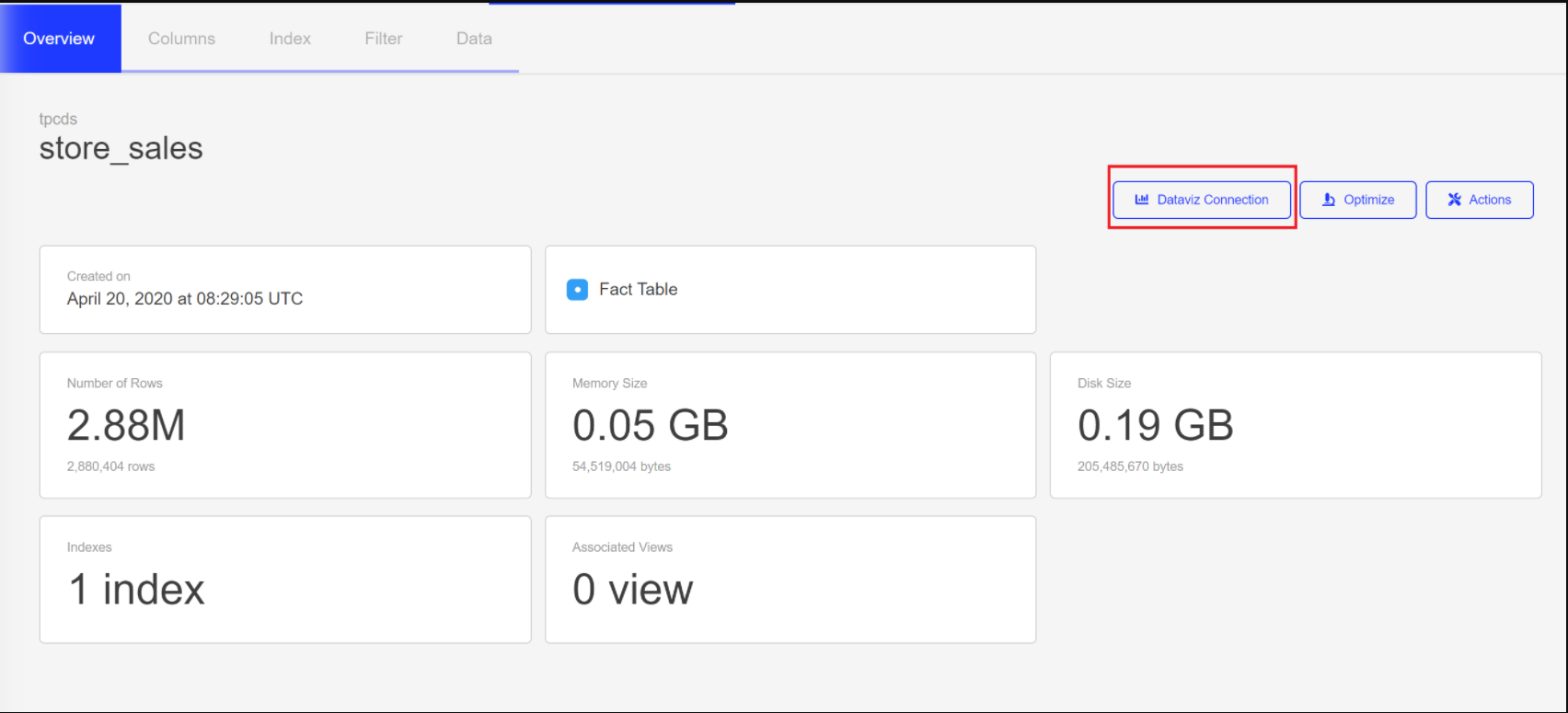
- In the Overview panel, click on "Dataviz Connection"
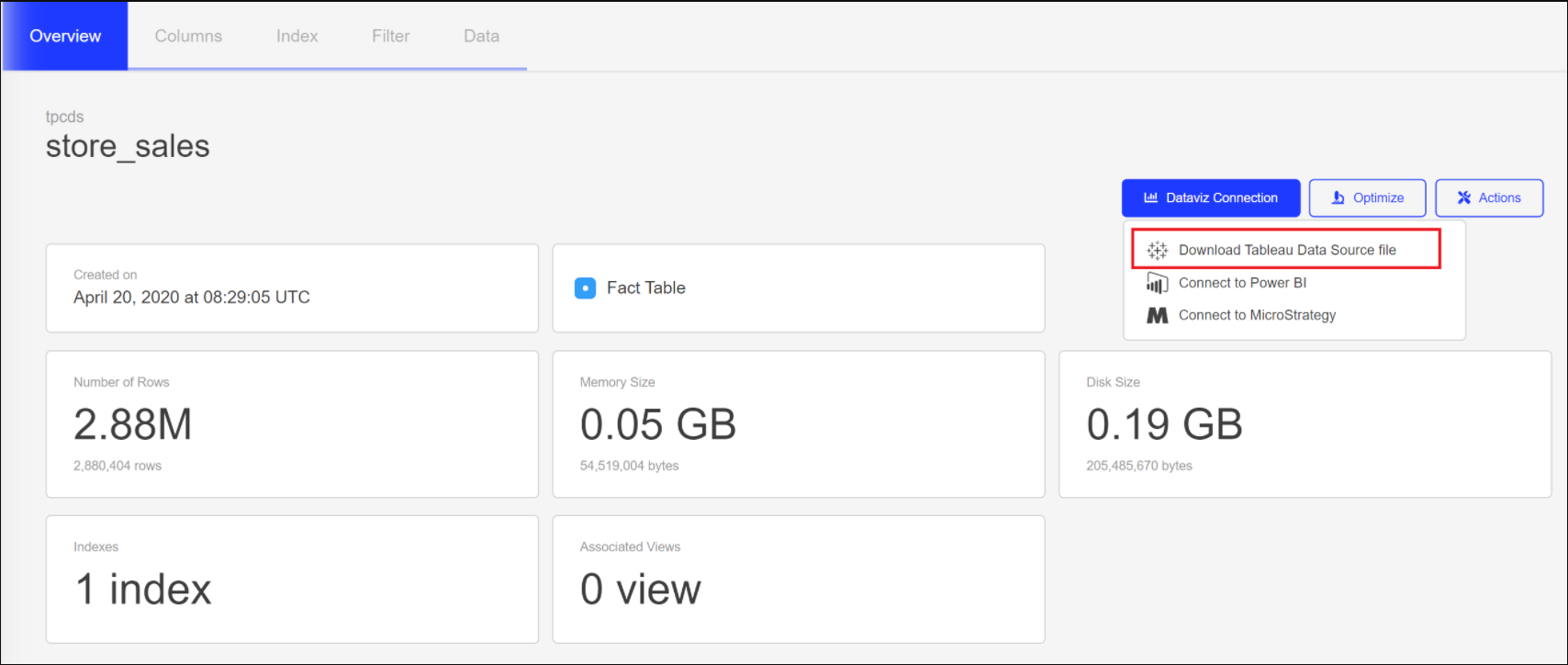
- Choose "Download Tableau Data Source file".
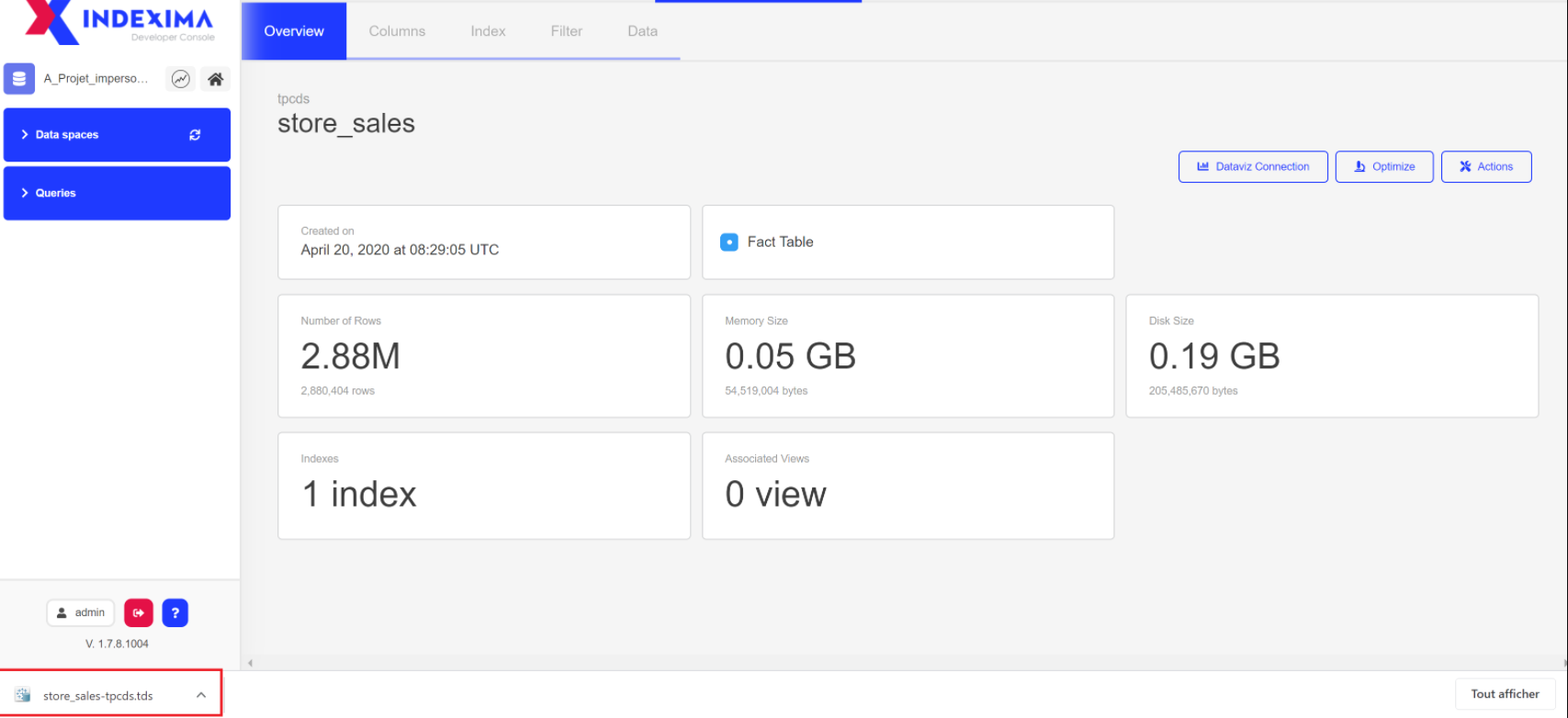
- As a result, you are downloading the TDS file for the associated table.
Open TDS file
1 - With Tableau software, open the .tds file you've just downloaded.
2 - Type your Indexima credentials in the Sign In dialog.