
Notifications_
Overview
Once your panel is enabled, you will notice several types of notifications.
The notification panel is the section that will provide suggestions to optimize your cluster.
How to access it?
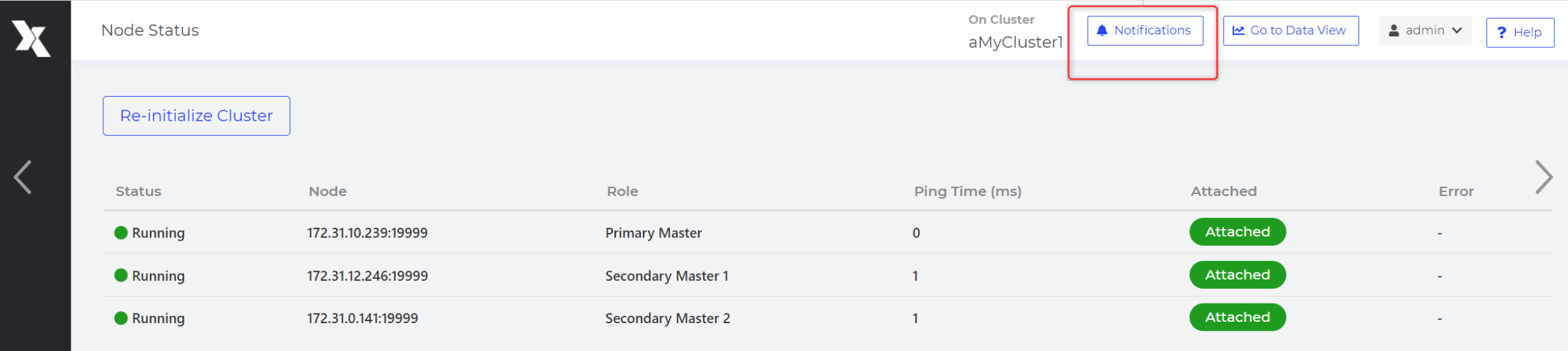
In the Cluster View screen
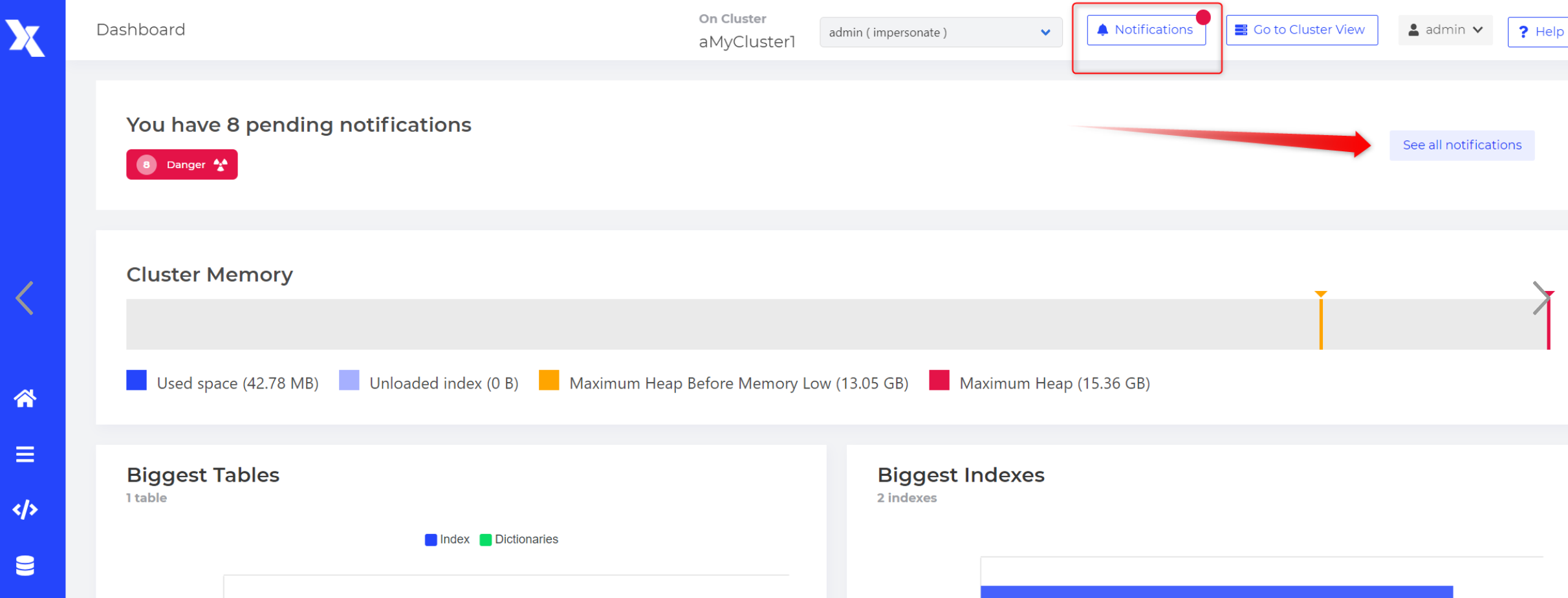
In the dashboard of the Data View screen
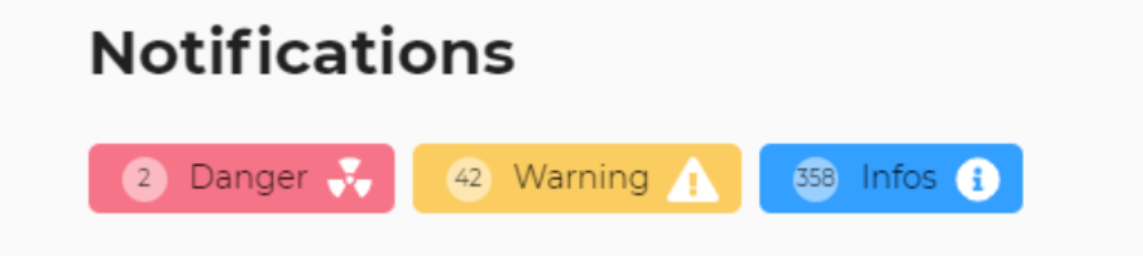
Notifications are organized into 3 groups: INFOS, WARNING, and DANGER.
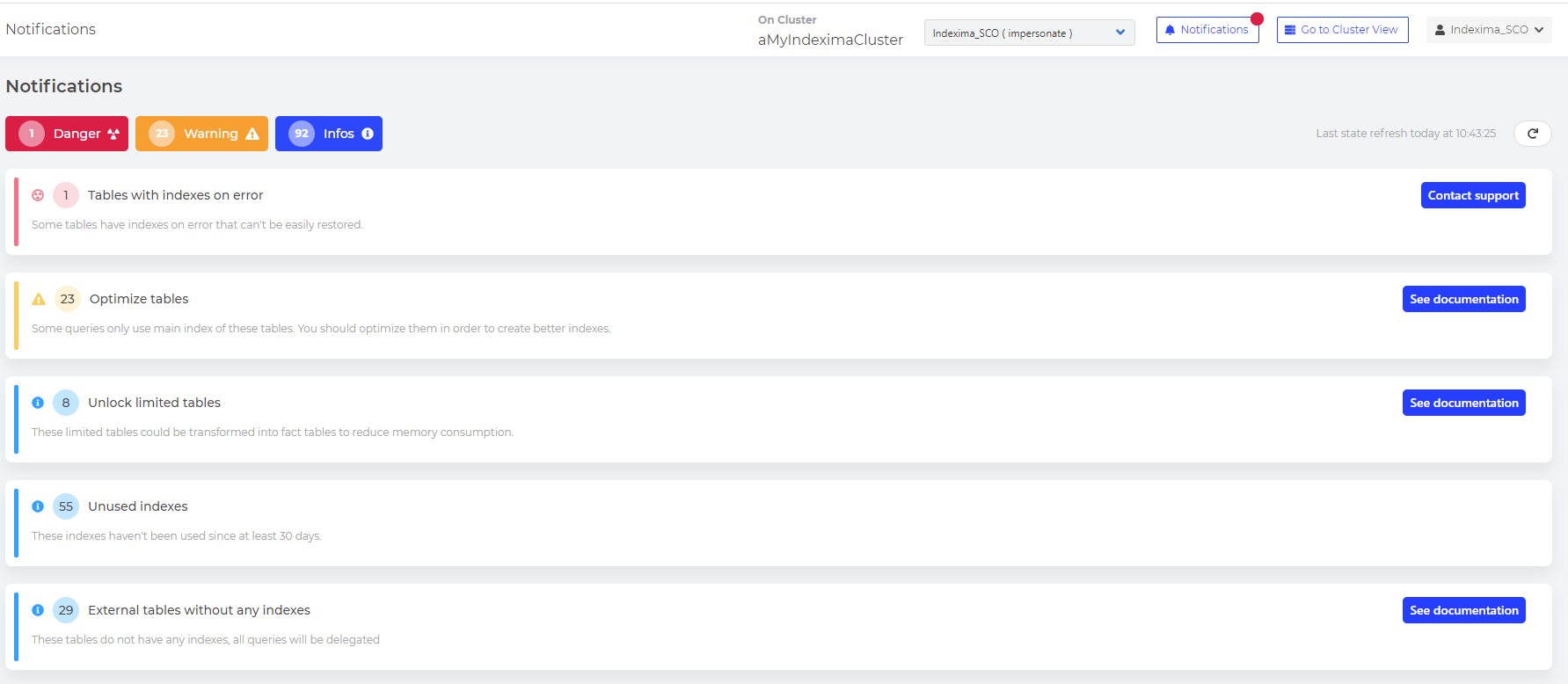
Each notification comes with a way to address the issue.
By clicking on a notification, you will be able to see the details and a button to address it.
| Type | Name | Description |
|---|---|---|
| INFO | LIMITED_TABLE | Display limited tables that should be converted into fact tables to reduce the memory consumption |
| WARNING | OPTIMIZE_TABLE | Display when a table has a percentage of queries using the main index only. You should run the optimizer to create new indexes |
| WARNING / DANGER | INDEX_SIZE | Display when an index size is approaching index.memory.max_size.mb. Two thresholds, in notifications.json, define the gravity of the notification. |
| WARNING / DANGER | TABLE_SIZE | Display when table size is approaching table.memory.max_size.mb. Two thresholds, in notifications.json, define the gravity of the notification. |
| DANGER | INTEGRITY_CHECK | Display tables that are corrupted and can't be restored. |
| WARNING | NEED_COMPACTION | Display tables that need an ALTER TABLE COMPACT because of shadow rows, provoked during multiple DELETE / LOAD operations. |
| INFO | DEPRECATED_PARAMETER | Display parameters in galactica.conf which are deprecated. These parameters will be removed in future versions. |
| INFO | UNUSED_INDEX | Display indexes which aren't been used for 30 days. They could be removed to reduce memory/disk spaces. |
| INFO | EXTERNAL_TABLE_WITHOUT_INDEX | Display external tables without any indexes, meaning that all queries will be delegated to the underlying database. |