SAP Business Objects
Prerequisites
- SAP Business Objects 4.2 SP5+
- Hive OBDC Connector (32 bits)
1. Create a 32bits DSN
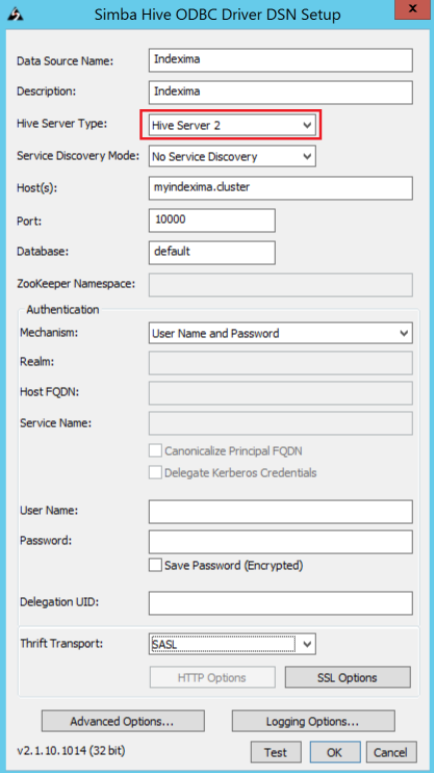
1. Launch the OBDC 32bits application and Open the System DSN tab, select 'SAP Hive ODBC Driver' and hit "Configure".
- In 'Hive Server Type' choose "Hive Server 2".
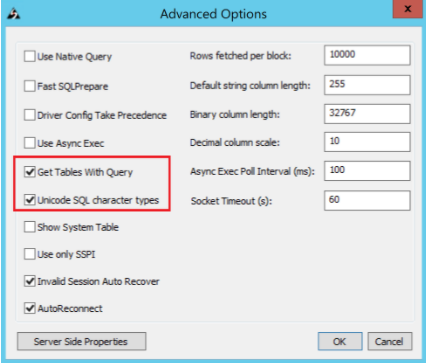
2. Open 'Advanced Options' and tick both "Get Tables with Query" and "Unicode SQL Character Types" boxes:
2. Connecting to an Indexima cluster using 'Information Design Tool'
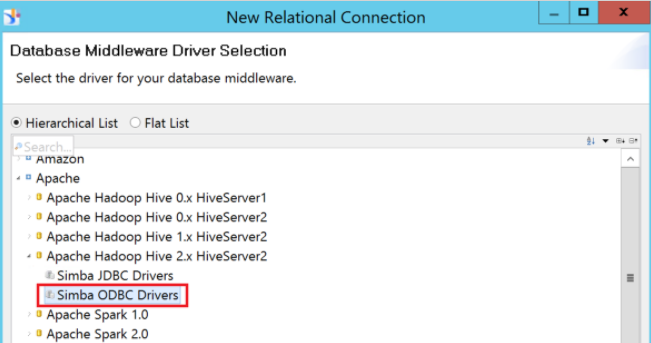
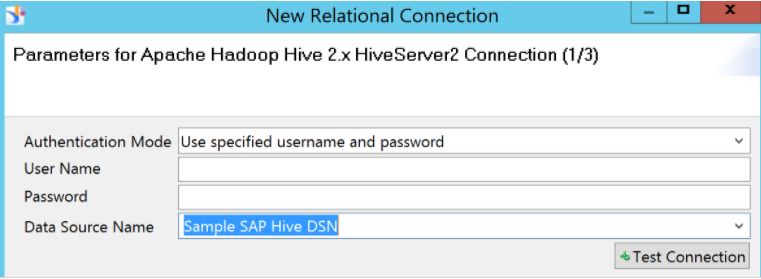
1. Create a relational connection and select "Simba ODBC Drivers".
2. Choose the DSN you previously created.
3. Change parameter in the business layer configuration
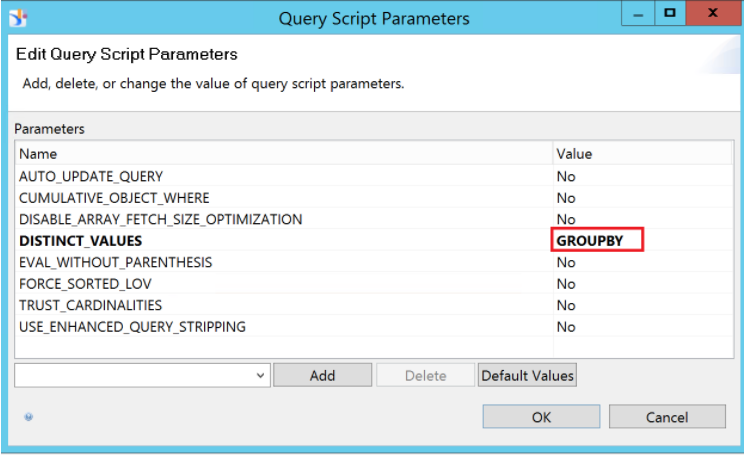
1. In the Business Layer panel, hit "Parameters".
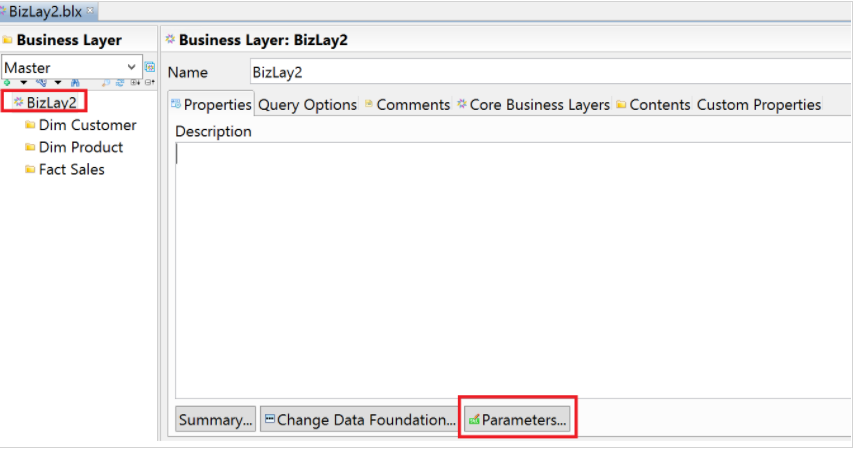
2. Change the 'Distinct_values' parameter to "GROUPBY".