
Console Authentication
Available authentication modes
There are two modes of authentication in the Developer Console:
- Custom
- LDAP
Custom Authentication
By default, the Developer Console uses its own authentication method and users.
Default user at cluster creation
The first user to be automatically created is "admin" with the password "admin".
Manage Users
See List of users
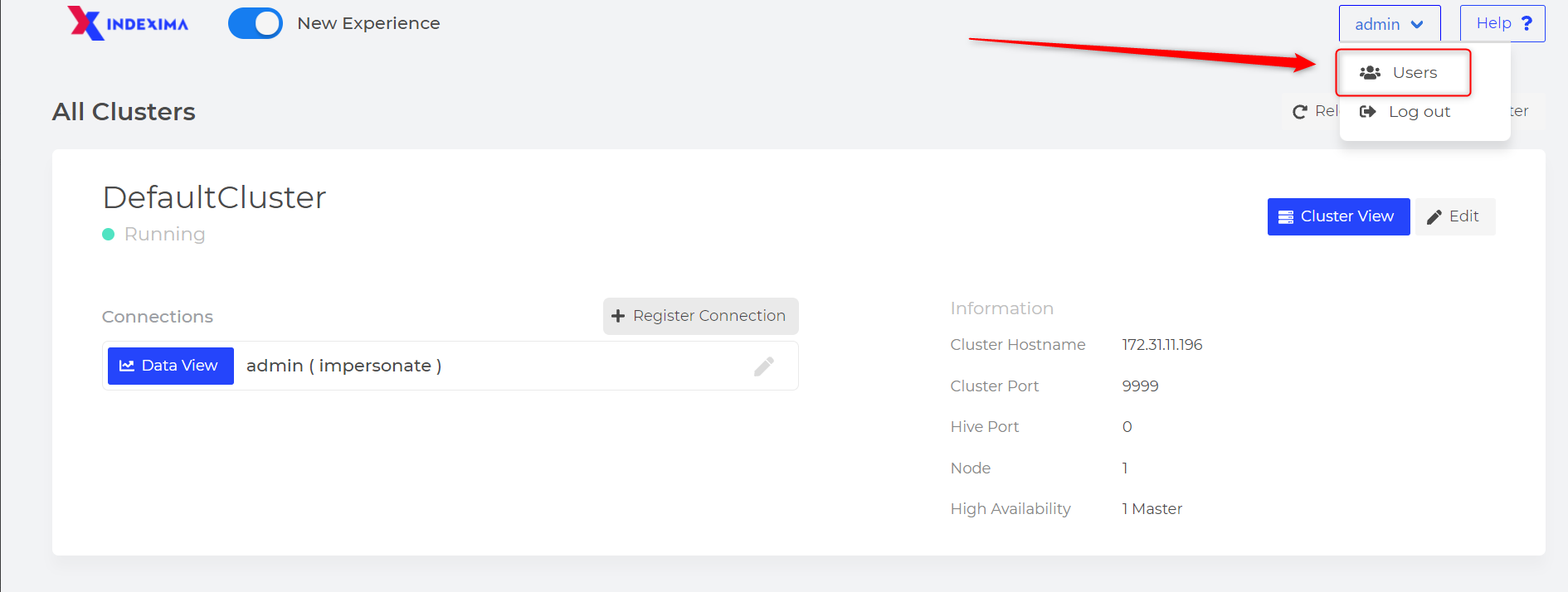
Click on the "Users" button to manage users.
Change users password
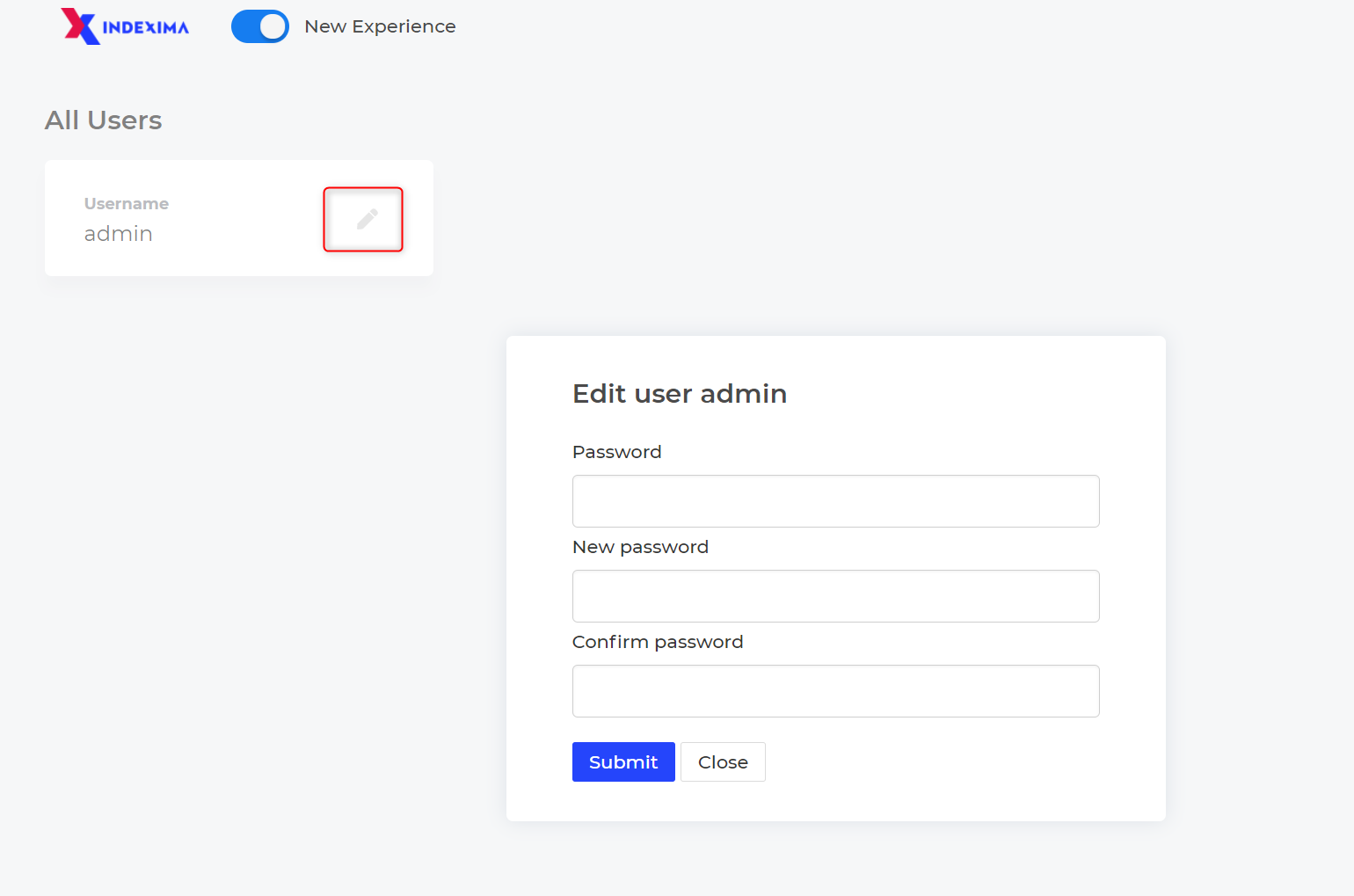
You can change the password of your admin user by clicking on the pencil icon.
Add a new user
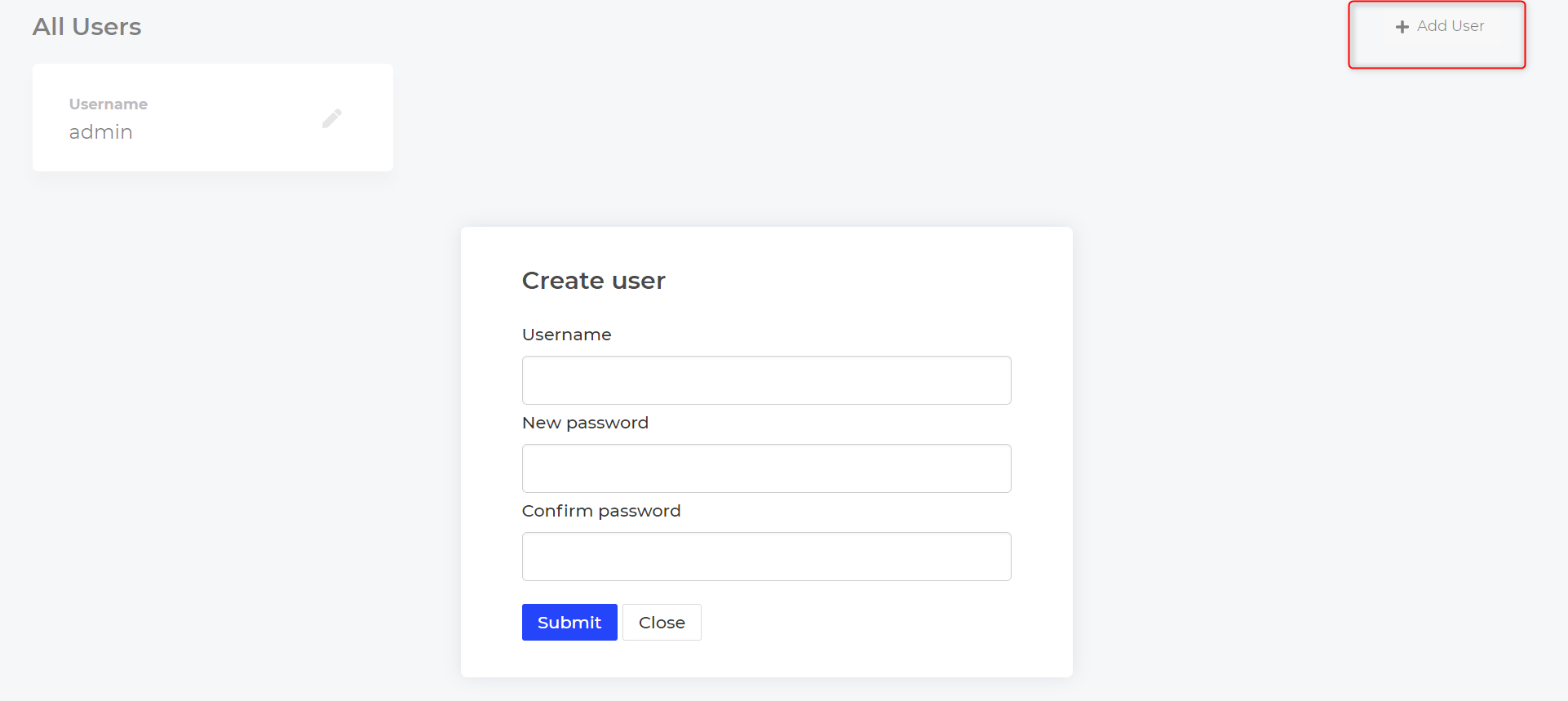
click on the '+ Add User' to add a new user.
Fill User & Password then Submit.
Rights
Admin users (defined here) can create, edit, or delete users.
Any user can change its own password.
LDAP Authentication
Parameters
If you want to use an external LDAP server you can do so by adding the following parameters in the config.sh file (located in <install-path>/visualdoop2):
- VISUALDOOP_LOGIN must be set to LDAP
Then Go to Visualdoop/ldap.properties
Define Developer Console Admin users (LDAP & Custom Authentication)
By default, the user named "admin" is the admin of the Developer Console.
If you are using LDAP and a user is named admin, he will be admin of the developer console. You can define the admin username by adding the following parameter to the config.sh file
bash
export VISUALDOOP_ADMIN=admin,myuserAdmins are a string of comma-separated usernames. You can add as many admins as you want.
In the example above, two users are administrators: admin and myuser.
Domain or not Domain ?
In the case of LDAP configuration, if the "DN_PATTERN" parameter does not contain the domain (uid=%s), then each user defined as an admin user should contain its domain.