Add an Indexima Policy in Ranger
Overview
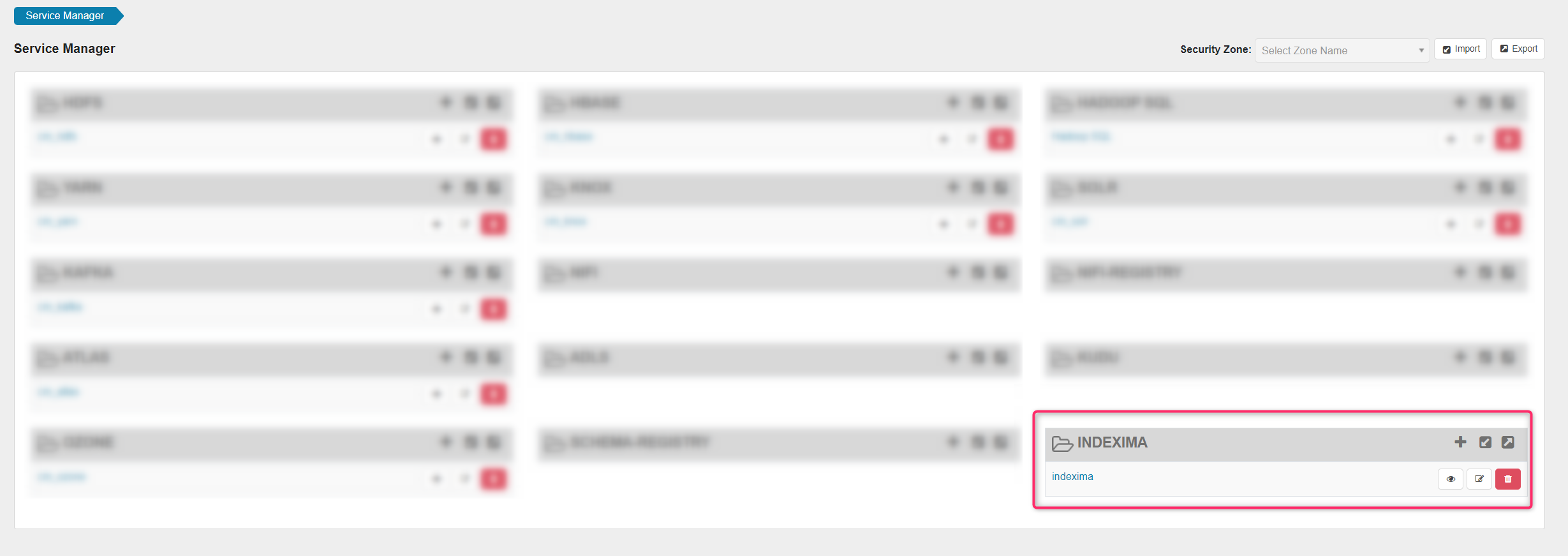
Now, when you click on the freshly created service, you have access to the Indexima Policies as shown in the following screen.
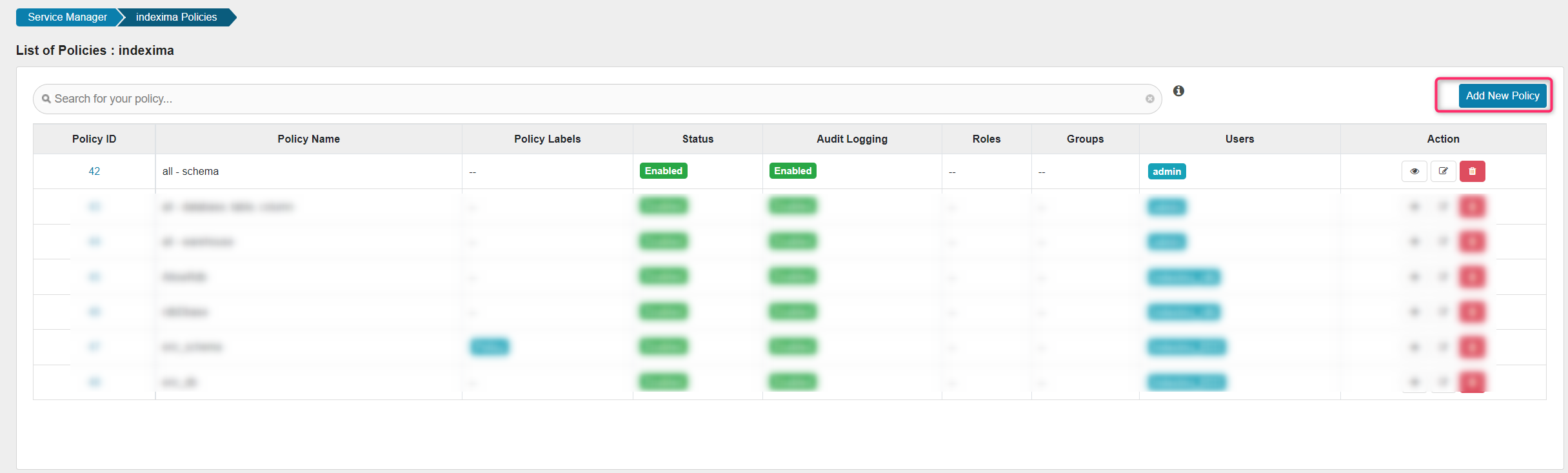
Click on the Add New Policy button to create a new policy and fill the fields.
Admin policies
Admin role can not be defined through Ranger.
You can define admin users by setting the parameter users.in.admin.role.
Monitor rights policies
Warehouse policies are designed for managing rights on Monitor (see monitor rights)
- Name the policy
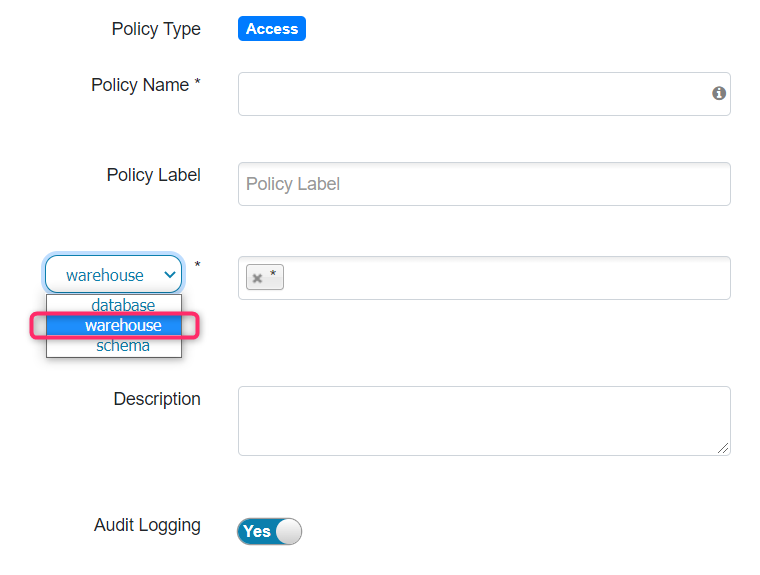
- Choose
warehousein the combo box (Database/Warehouse/schema)
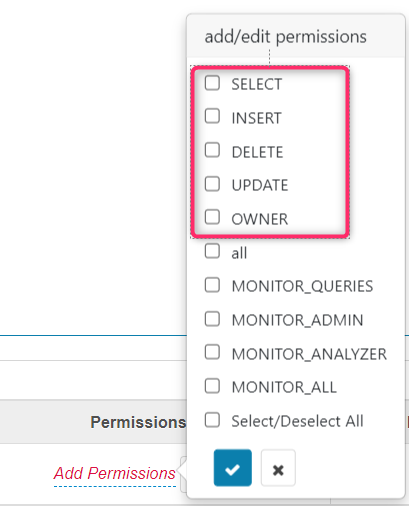
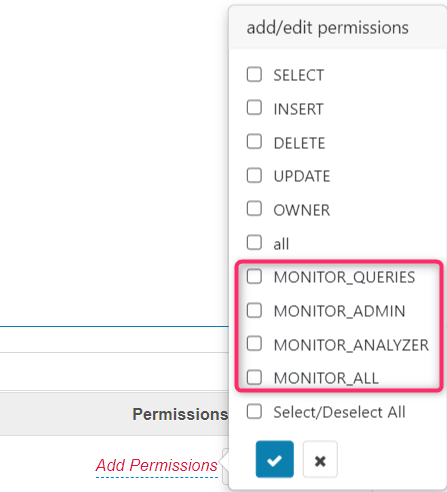
- Define permissions by choosing among the MONITOR_* rights
Schema Policies
- Name the policy
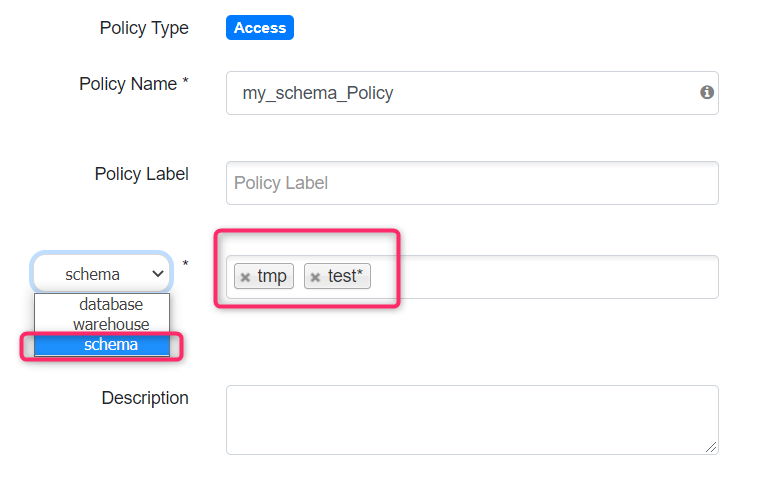
- Choose schema in the combo box (Database/Warehouse/schema)
- Define a list of schemas and use the character * as a wildcard
- Define permissions by choosing Owner
- the other permissions would be relevant on other levels
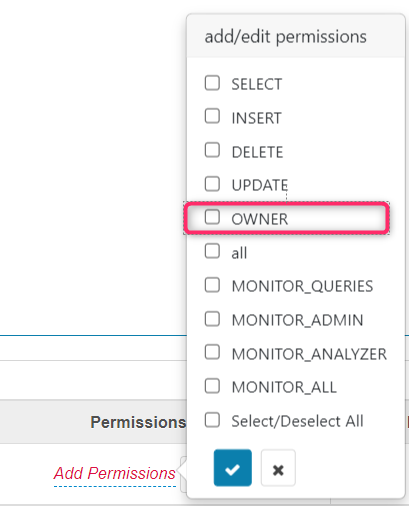
Table Policies
- Name the policy
- Choose
Databasein the combo box (Database/Warehouse/schema) - Select the INDEXIMA database (= schema).
- Select the INDEXIMA dataspaces/table.
- Pick up columns on with you want to apply privileges.
INFO
For each object (schema, table, columns), the following rules applied
- Type the object to define a right on that specific object
- Use * with a string as a wildcard to define a right on a family of objects
- Use * to define a right on all objects
- Define permissions by choosing among SELECT / INSERT / DELETE / OWNER
- you may choose UPDATE, however, there is no rule related to this right.